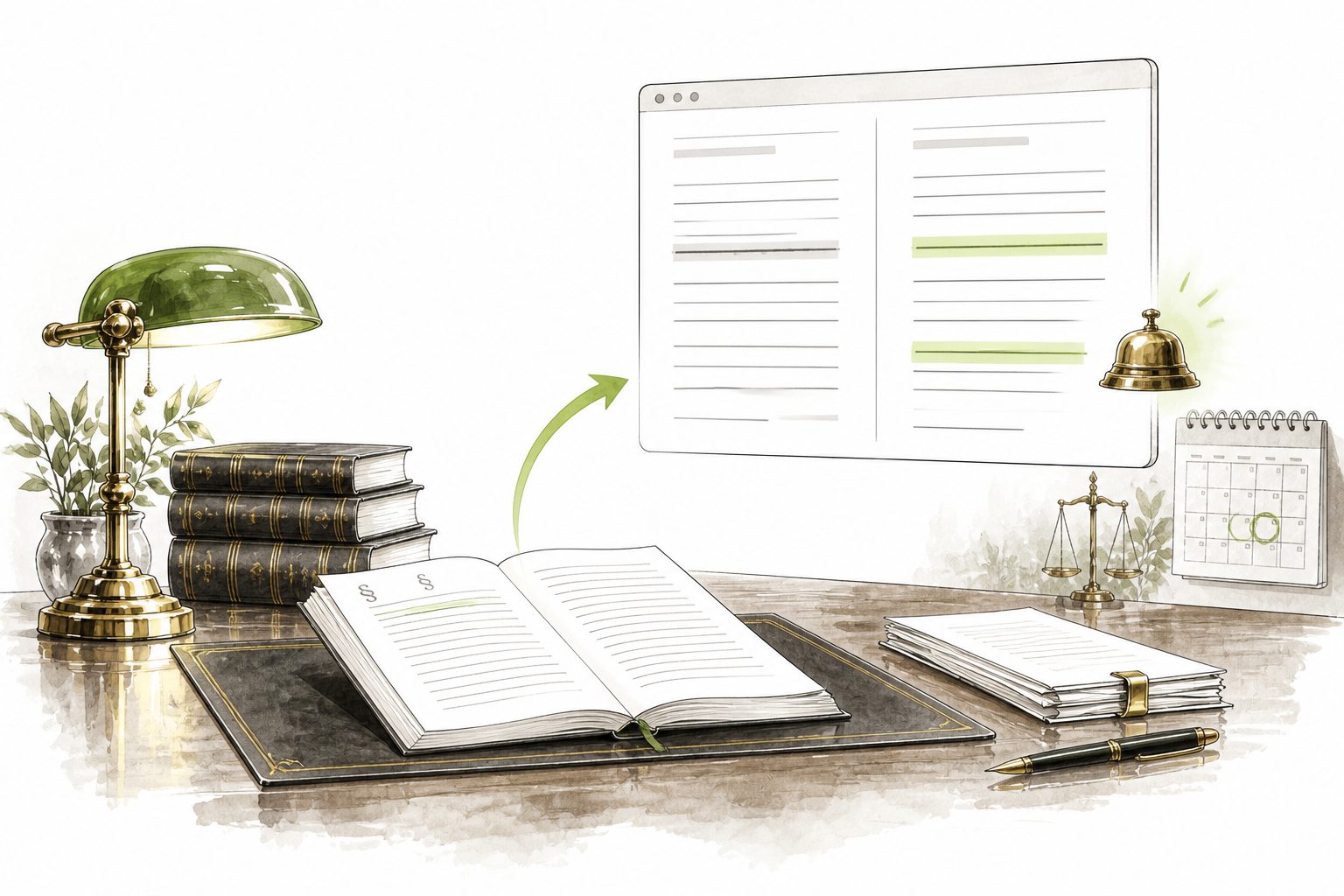
Wording comparison
Removed text is struck through, added text is highlighted. You see exactly what changed in the provision.
 Log inRequest
Legislation Monitoring
Describe in your own words what you need to follow and attach your own documents. Legislation Monitoring finds the regulations and provisions involved. When their wording changes, you hear about it — with a comparison of the wording and the reason the change matters to you.
How it works
You create watches around your own work — by client, by area or by project. Each one has its own brief, its own source files and its own history of changes.
A watch gets a name and a brief in your own words — an area, the regulations or specific provisions. You do not need section numbers, an ordinary sentence is enough.
Contracts, internal policies and other documents. Legislation Monitoring finds the regulations they rest on and adds them to the watch.
The alert shows the affected provision, the detection and effective dates and a comparison of the wording. Once reviewed, you mark the change as handled and it stays in the history of the watch.
What Legislation Monitoring does
Every watched provision carries a citation and the reason it is being watched. You immediately know what the change means for your contract, your policy or your case.
Removed text is struck through, added text is highlighted. You see exactly what changed in the provision.
Each provision comes with a citation and the reason it is watched — from your brief, from an uploaded file or from a provision you added yourself.
Besides the text, Legislation Monitoring watches links between documents being added and removed. Choose individual provisions or the entire regulation, and the categories you care about.
Choose how many days before the effective date a change should be brought back to you, so nothing slips between detection and the day it starts to apply.
Detected changes and reminders can arrive by e-mail. You enable each of them separately, according to how you want to be notified.
A personal API key with the permissions of your account connects Legislation Monitoring to your tools through the REST API. Name the key, set its validity and revoke it whenever you need.
Who it is for
Watch the regulations your contracts, submissions and opinions rest on — separately by client and by area.
Internal policies and contract templates stand on specific provisions. Legislation Monitoring tells you when they move.
Watch the regulations you decide by and keep their changes documented, including the effective date.
Tax and accounting legislation changes often. You learn about a change in time, not from your client.
The data behind it
Legislation Monitoring works with regulations from the CODEXIS database that CODEXIS AI works with as well — Czech and Slovak, including mutual links and the effectiveness of individual provisions. You are not watching a selection from the internet, but the source everyday legal work rests on.
See the data sourcesCzech and Slovak legislation
Current and historical wording of regulations and the links between them.
Effectiveness of provisions
It works with the wording as of a date, not only with the latest text.
Search across your watches
Find your own watch with a keyboard shortcut instead of clicking through.
Czech, Slovak and English
Choose the language of the interface, as well as a light or dark appearance.
Frequently asked
What legal teams usually want to know before they put Legislation Monitoring on their own work.
You do not follow a regulation as a whole, you follow what you do. Write the brief in your own words or upload your own document, and Legislation Monitoring finds the specific provisions. The alert then shows why the change concerns you.
Next to the wording comparison there is always a citation and the reason the provision is watched. When that reason comes from an uploaded contract, you know at once which document the change touches.
Yes. You create watches as you need them, and each has its own brief, its own source files and its own history of changes. Handled changes stay in that history.
No. Detected changes and reminders before the effective date can be delivered by e-mail to your account address.
Leave us your contact details and we will get in touch. We will go through what you need to watch and how many watches and users make sense, and prepare a proposal.
No-obligation enquiry
Leave us your contact details and a brief description of what you need to watch. We will get in touch and show you Legislation Monitoring on your own agenda, not on a generic demo.
No-obligation enquiry
Leave us your contact details and a brief description of your requirements. We will prepare a proposal tailored to your workflow, the size of your team and your security needs.