

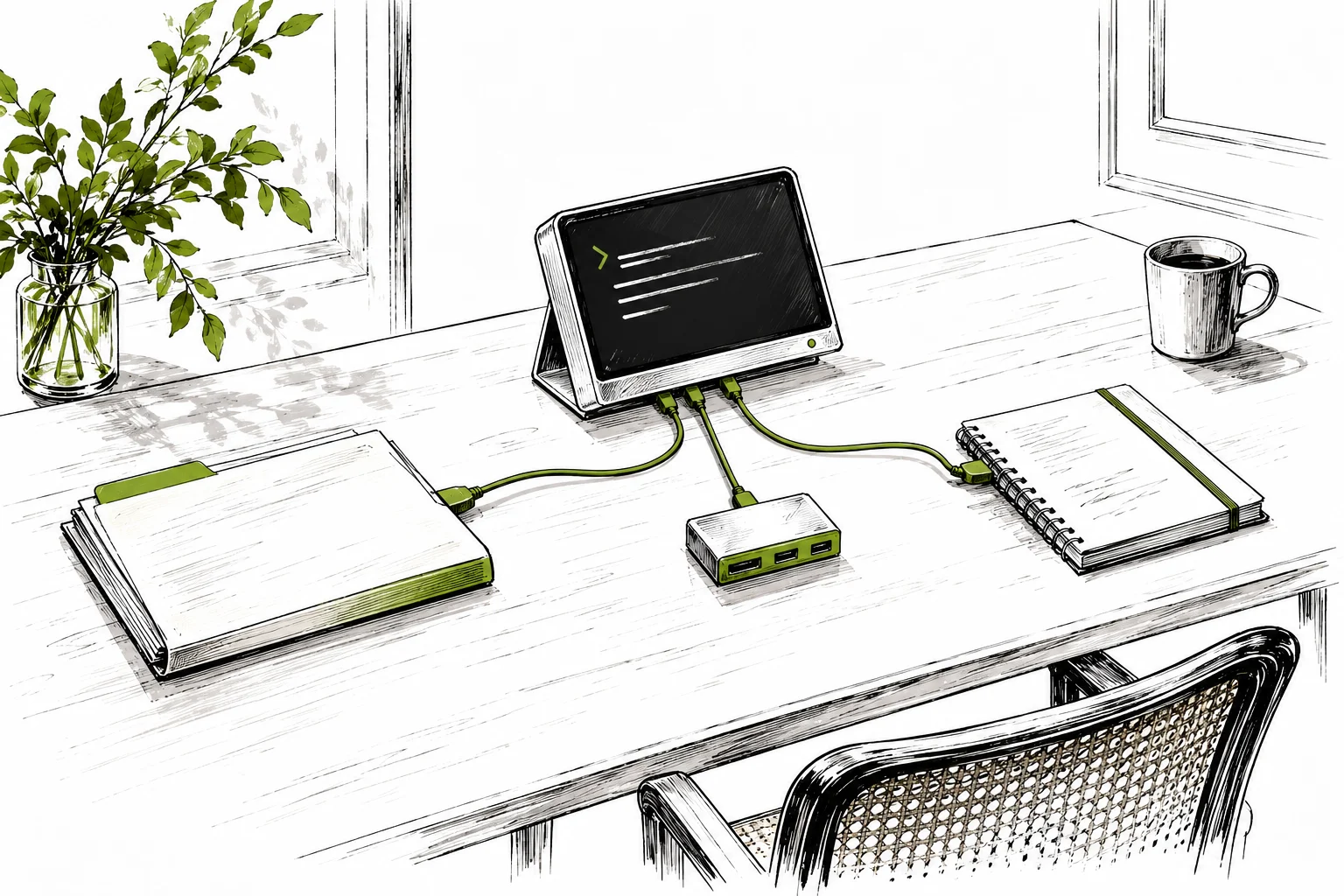
For IT departments and firms with their own systems we have opened three new ways to work with CODEXIS AI Agent outside the web interface. All of them use an API key for an account with an active CODEXIS AI Agent license and draw credits from the key owner.
Command line
With the codexis-agent-cli command you manage projects, chats and saved assistants and send questions with attachments. On macOS and Linux you install the CLI with a single curl command. The package bundles its own Node.js, so nothing else is needed on the machine, and the same command updates it later. The CLI can follow a streamed answer, resume an interrupted request and return script-friendly output, so you can plug it into your own batch jobs and overnight tasks.
MCP for Claude and Codex
CODEXIS AI Agent connects as a tool to Claude Code, Claude Desktop, Cowork and Codex over MCP. With an HTTP connection your application calls the hosted MCP server at vm.codexis.ai, which hands the task to the agent in the cloud. With local stdio your application starts the MCP server from the CLI package on your computer, and the agent still works remotely. You send the key in the X-Api-Key header. A lawyer working in Claude Desktop can ask CODEXIS AI Agent for research on Czech law from the same window and use the result straight away.
REST API v2
The public REST API v2 covers the whole lifecycle: projects, chats, messages with attachments, streamed answers and management of saved assistants. The CLI and the MCP server are built on it, so whatever they can do, your integration can do too. The specification is available as OpenAPI.
Documentation: Using the command line, MCP in Claude and Codex and Integrations.