Share your Assistants with colleagues
You can now share a custom Assistant with a public link. A colleague signs in, reviews it and creates their own copy with the instructions, model and skills in one click.
 Log inRequest

Articles about new features, application changes and CODEXIS AI development.
You can now share a custom Assistant with a public link. A colleague signs in, reviews it and creates their own copy with the instructions, model and skills in one click.
Describe what you work on, or upload contracts and internal policies. Legislation Monitoring finds the sections that apply, watches them for changes and tells you in the chat what changes and from when.
When you share a conversation, you choose which of its files the recipient gets. On the public page they download them straight from answers, citations and the Sources tab. The conversation also shows how far the share reaches.
Lawyer and programmer Lukáš Michna tested CODEXIS AI on 85 disputes decided by the Czech Supreme and Constitutional Courts, each from the winning and the losing side. The results, the weak spots and where a dedicated skill helped.
The license administrator splits users into groups and names an administrator for each. They set limits and handle credit requests only for their own people. Credits keep being drawn from a single license.
Find earlier work by its content and narrow the search to a project, pinned conversations get their own section, a running summary condenses a long chat, and questions about CODEXIS AI Agent itself are answered from the documentation.
CODEXIS AI switched to GPT-6.1 Sol as the default model, added Claude Opus, Sonnet and Haiku 5.5 and Gemini 3.8 Flash, and removed the older GPT-5.6 and GPT-5.5 lines from the picker.
CODEXIS AI Agent now accepts a whole folder, can write to project files, lets you pin specific storage to a conversation, and reads Word, Excel and OpenDocument files directly.
You now drive the agent with the codexis-agent-cli command, connect it as a tool to Claude Code, Claude Desktop, Cowork and Codex over MCP, and integrate it through the public REST API v2 with streamed answers.
Upload guidelines, contract templates or price lists to the Library once and CODEXIS AI Agent works with them in every conversation and project. No more attaching the same files again and again.
In Credit Management you can now restrict the model picker to models with EU data processing, zero data retention, or a specific list of allowed models. The setting applies to the whole license.
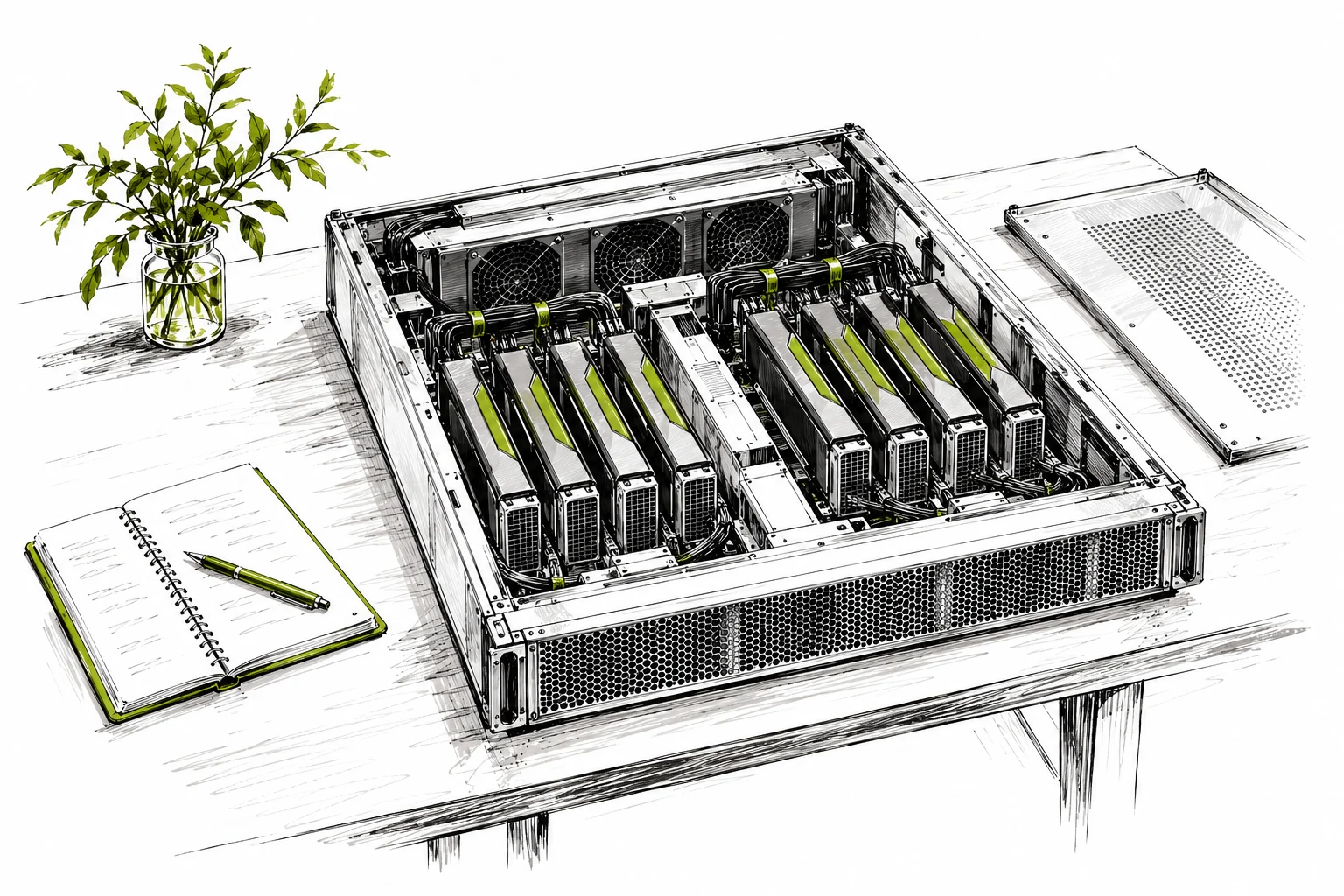
How we deployed and benchmarked DeepSeek V4.1 Flash on 8 NVIDIA B300 GPUs: TP2, TP4 and TP8 layouts, long-context chat, cache behavior, latency, throughput and VRAM headroom.
A company keeps one CODEXIS license, but each department buys and manages its own AI credits. You create a shared credit account in the Credit Management application.
CODEXIS AI adds GPT-6 Astra, Pro mode for the toughest questions and fixes for Max and Xhigh reasoning efforts. We also apologise for incorrect billing from 26 August to 5 September 2026, inclusive. Affected users will receive a credit refund and an email.
Companies have used CODEXIS, DATIFY and ONEPOST for legislation and record keeping. Agentic AI and the links between these systems change who gets to an answer, and how fast.
Work gradually moved into the browser. But with AI you hit a wall the browser cannot cross: it cannot see your files. CODEXIS AI Agent can also run as an app on your own computer.
The Datify - digitální AI kancelář add-on connects CODEXIS AI Agent to your DATIFY account. The Agent then reads and edits collections, datasets and records directly from chat.
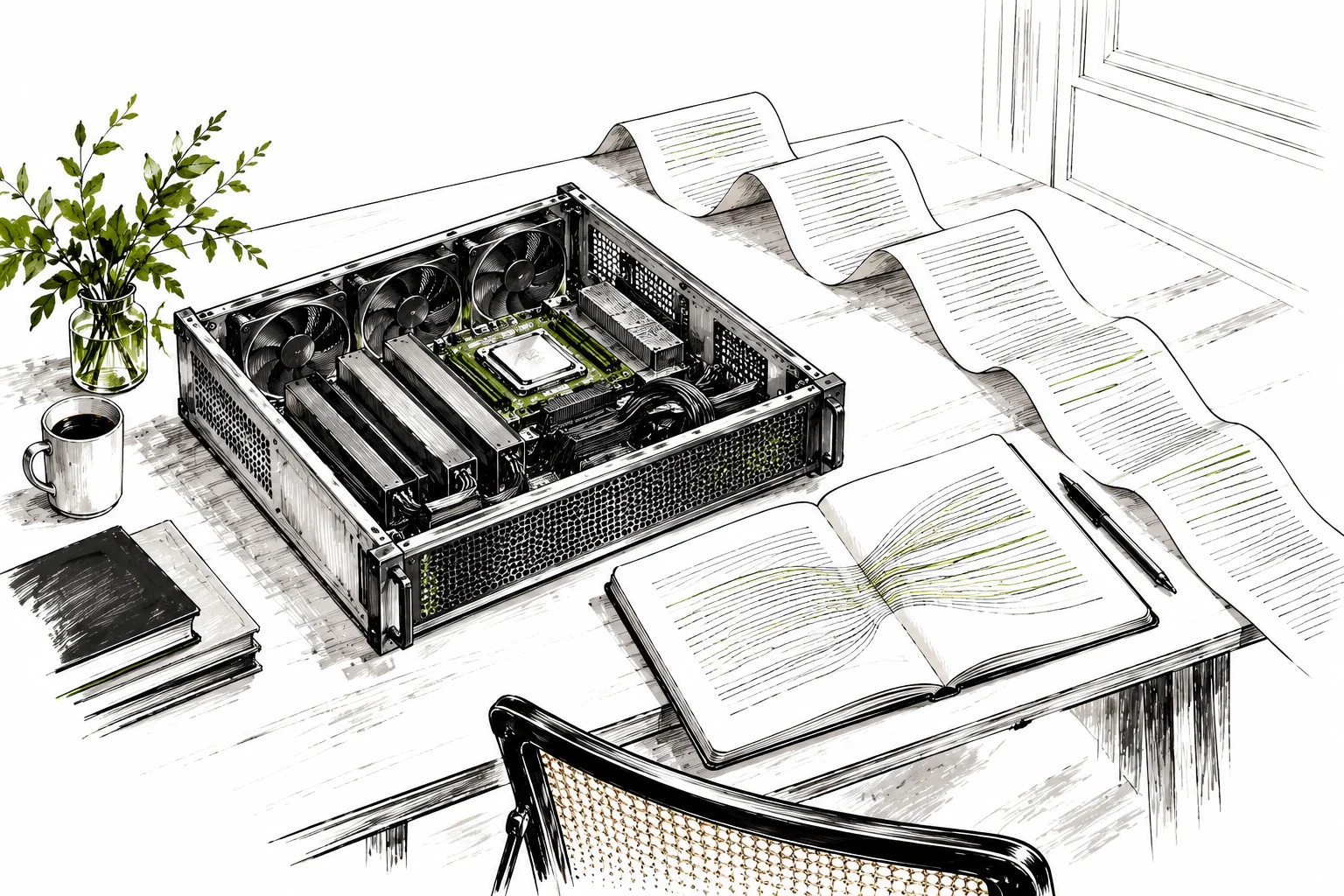
A practical DeepSeek V4 Flash benchmark with vLLM on one NVIDIA B300: throughput, long legal-document latency, prefix-cache gains, and production recommendations.
A new Czech Collection of Deeds add-on with an app that watches for new filings by company ID (IČO), a connection to SID: internal document management, regulation previews directly in chat when clicking a source, mounting shared folders as a network drive, and time windows for automations.
A new add-on for creating and editing office documents (Word, PDF, Excel, PowerPoint) with visual output review, also available as a Microsoft 365 add-in, and a new add-on connected to the Slovak Central Contract Register (crz.gov.sk).
OpenAI's new GPT-5.6 model generation (Sol, Terra, Luna) and a new add-on connected to the Czech Contract Register: search public contracts by subject, contracting parties, company ID, value and date of conclusion.
A new plan mode: for more complex tasks the agent first drafts a plan for your approval, and only then runs it. Slovak case law now draws directly from the Supreme Court, Supreme Administrative Court and Constitutional Court of the Slovak Republic.
Tracked folders can now connect directly to SharePoint and OneDrive. Connect your OneDrive and multiple SharePoint sites at once and let the AI work with documents right in your company storage.
Two new data add-ons (NRPZS, RZPRO), sharing of agents, skills and automations via a link, the assistant asking clarifying questions, new wizards, source citations, and a redesigned Land Registry.
A new add-on connected to the public SÚKL medicines register (DLP): look up medicinal products by name or SÚKL code: strength, dosage form, active substances, ATC group, dispensing, price and reimbursement, plus the patient leaflet and SPC.
New Czech insolvency watchdog add-on (ISIR) for lookups and monitoring, and a redesign of Tracked Documents and Tracked Case Law.
Export an entire conversation to Word and PDF, pin a chat, save files into folders named after the chat, and an autocomplete for skills and agents via $.
Newly available models (OpenAI, Anthropic) and the option to process queries within the EU.