


Some documents you attach to your questions over and over: an internal guideline, a model contract, a price list or the methodology the AI should follow. Now you upload them once to the Library. CODEXIS AI Agent has its contents available in every conversation and every project, wherever you happen to be working.
One place for materials you reuse
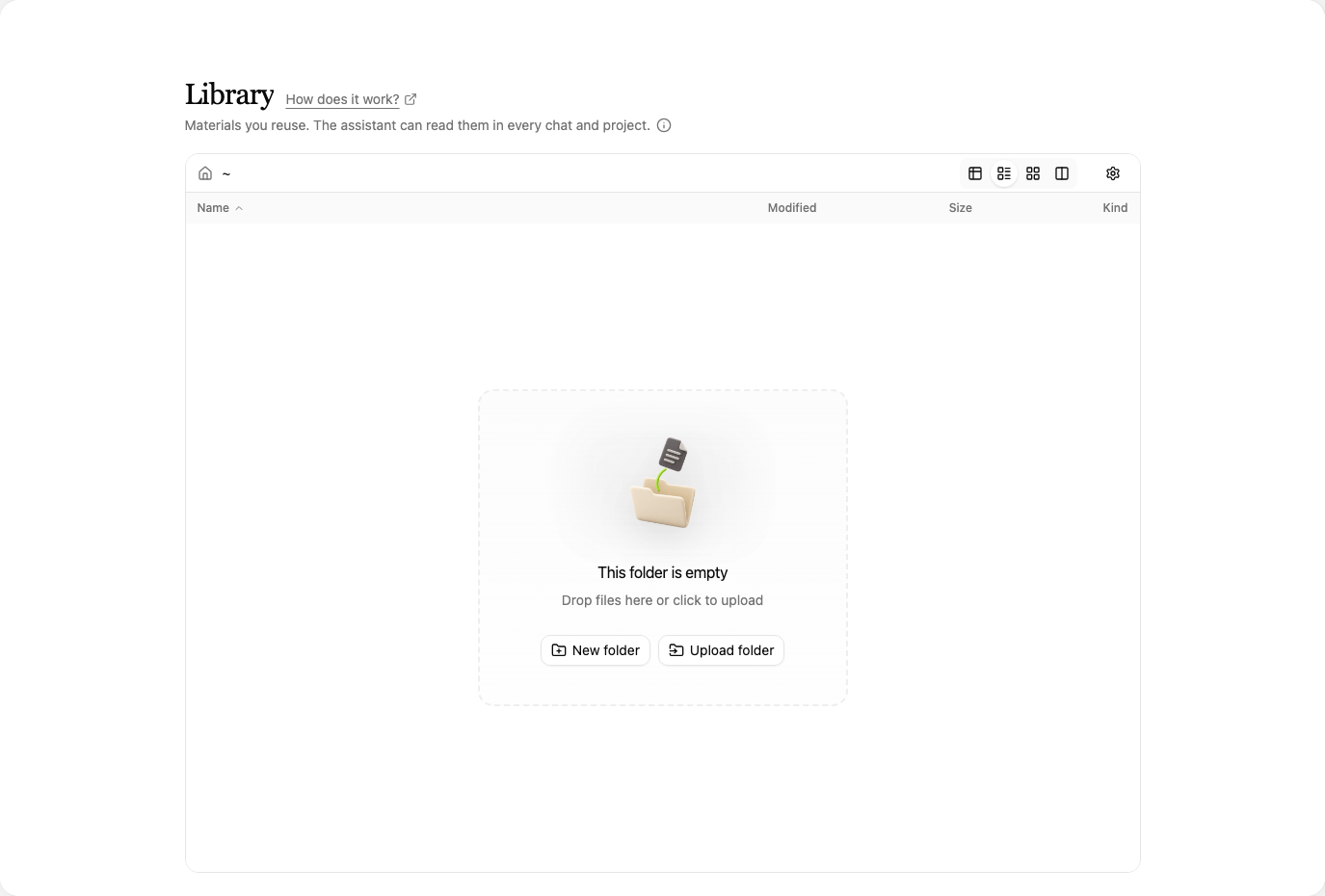
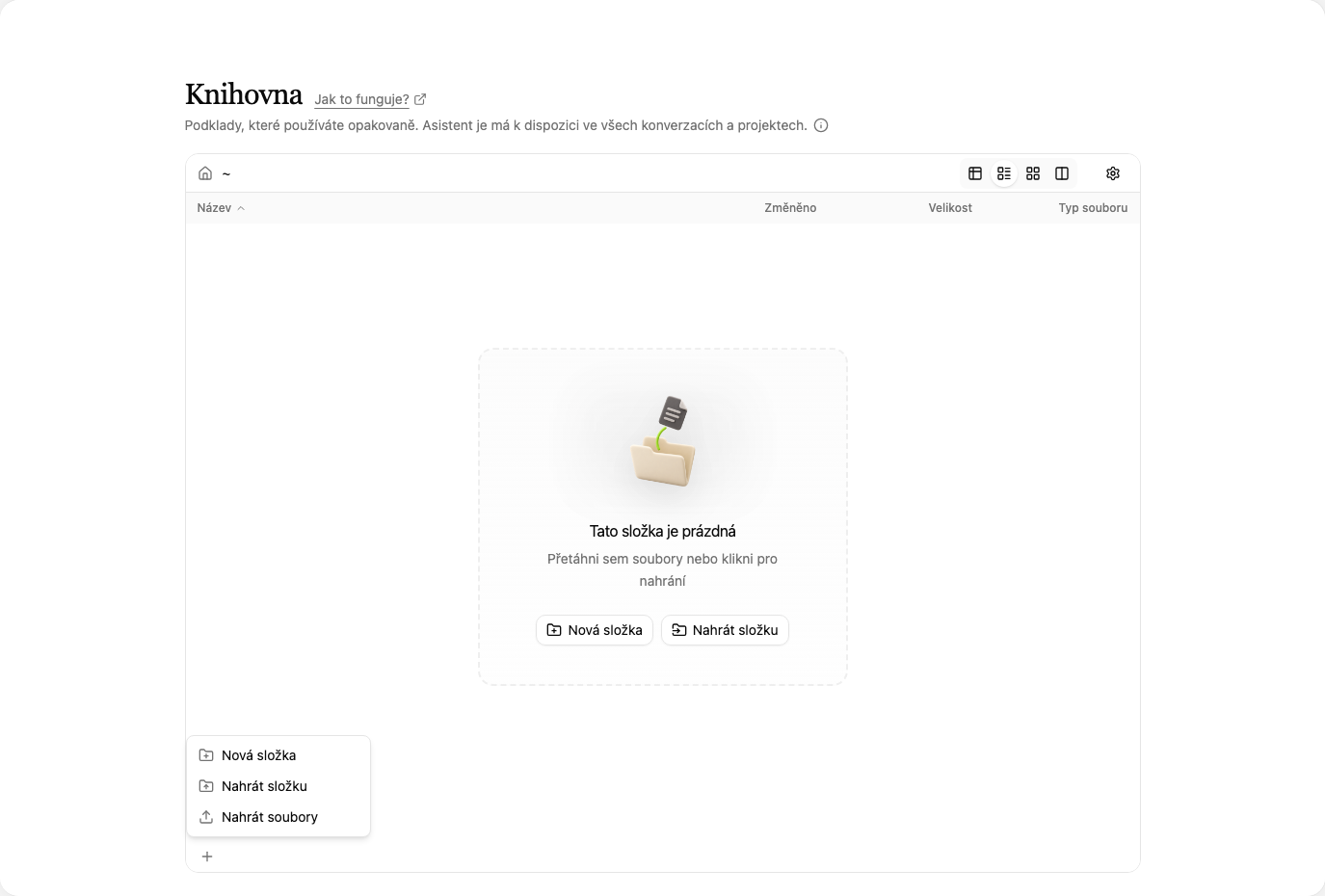
Open the Library from the left panel, under Tools, by clicking Library. A file manager opens where you browse your materials and sort them into folders. Upload files with the + button at the bottom left and Upload files, or a whole folder at once with Upload folder. You can also drag documents from your computer straight into the window. There is nothing to set up or switch on, the Library is ready immediately.
Working with the materials in a conversation
In a conversation, say which document the AI should use and what you need from it. Mention the file name so it picks the right one. For example: "Using the Business Travel guideline in my library, prepare the list of documents needed to settle a business trip." or "Check the attached draft against our NDA template from the library and list the differences."
Conversations only read from the Library, they never change it. When you update a document, upload the new version to the Library and the change applies everywhere at once. You no longer have to track down which conversations or projects still carry the old version.
When to use the Library and when a project
The Library is personal and applies across everything you do. It suits documents that stay constant in your work: company rules, templates, code lists. A project, on the other hand, gathers the materials and conversations for one matter or client. The two complement each other: the client's contracts live in the project, the templates you check them against live in the Library.
The step-by-step guide is in the documentation on the Library page.