

Microsoft 365 integration
You can add CODEXIS AI Agent as an add-in directly in Microsoft 365 apps, Word, Excel, Outlook and PowerPoint.
You can add CODEXIS AI Agent as an add-in directly in Microsoft 365 apps (Word, Excel, Outlook and PowerPoint). The assistant then works in a side panel over the document, email, spreadsheet or presentation you currently have open. You don't have to switch to your browser, and it keeps the same quality of answers and citations as the web application.
How to install the add-in
Installation is a one-off and takes a few minutes.
-
Open the Microsoft Marketplace listing. Go to CODEXIS AI Agent on the Microsoft Marketplace and click Get it now. Sign in with your Microsoft 365 account.
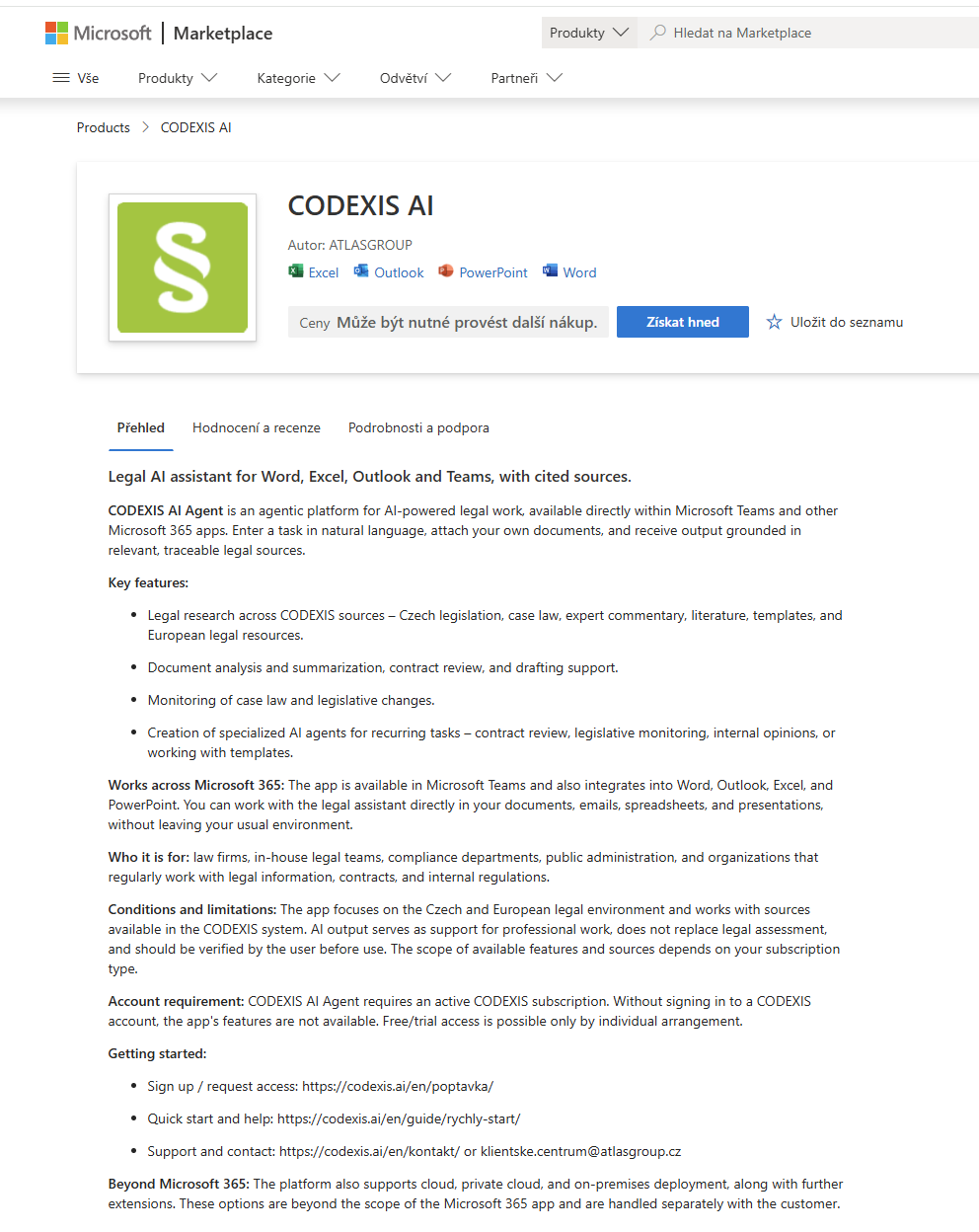
CODEXIS AI on the Microsoft Marketplace: add-in for Word, Excel, Outlook and PowerPoint -
Confirm adding the add-in. Microsoft adds it to your account and makes it available across all supported apps (Word, Excel, Outlook, PowerPoint).
-
Open the add-in in the app. Launch Word, Excel, Outlook or PowerPoint. You'll find the CODEXIS AI button on the Home tab of the ribbon (in Outlook among the message actions, or via All apps). Click it to open the side panel.
-
Sign in to your CODEXIS account. Enter your CODEXIS credentials in the panel. You only need to sign in once; the panel remembers you. Without signing in, the add-in's features are not available.
The add-in is then ready over every document, email, spreadsheet or presentation you open.
Installing from within the app
You can also add the add-in without the Marketplace: in Word, Excel or PowerPoint choose Insert → Get Add-ins, in Outlook Home → Get Add-ins, search for "CODEXIS" and click Add.
What to keep in mind
Requires a CODEXIS subscription
The add-in works only with an active CODEXIS subscription. Without signing in to a CODEXIS account, its features are not available.
Processing queries consumes credits just like in the chat. The assistant works over the document you have open, and its outputs and citations match the CODEXIS AI web application.