

Memory
Memory permanently remembers information about you and your work across all conversations.
What it is: Memory permanently remembers information about you and your work across all conversations. You therefore don't have to repeat it with every query — CODEXIS AI always has it at hand and tailors its answers accordingly.
Where to find it: In the left-hand menu, under Tools → Memory.
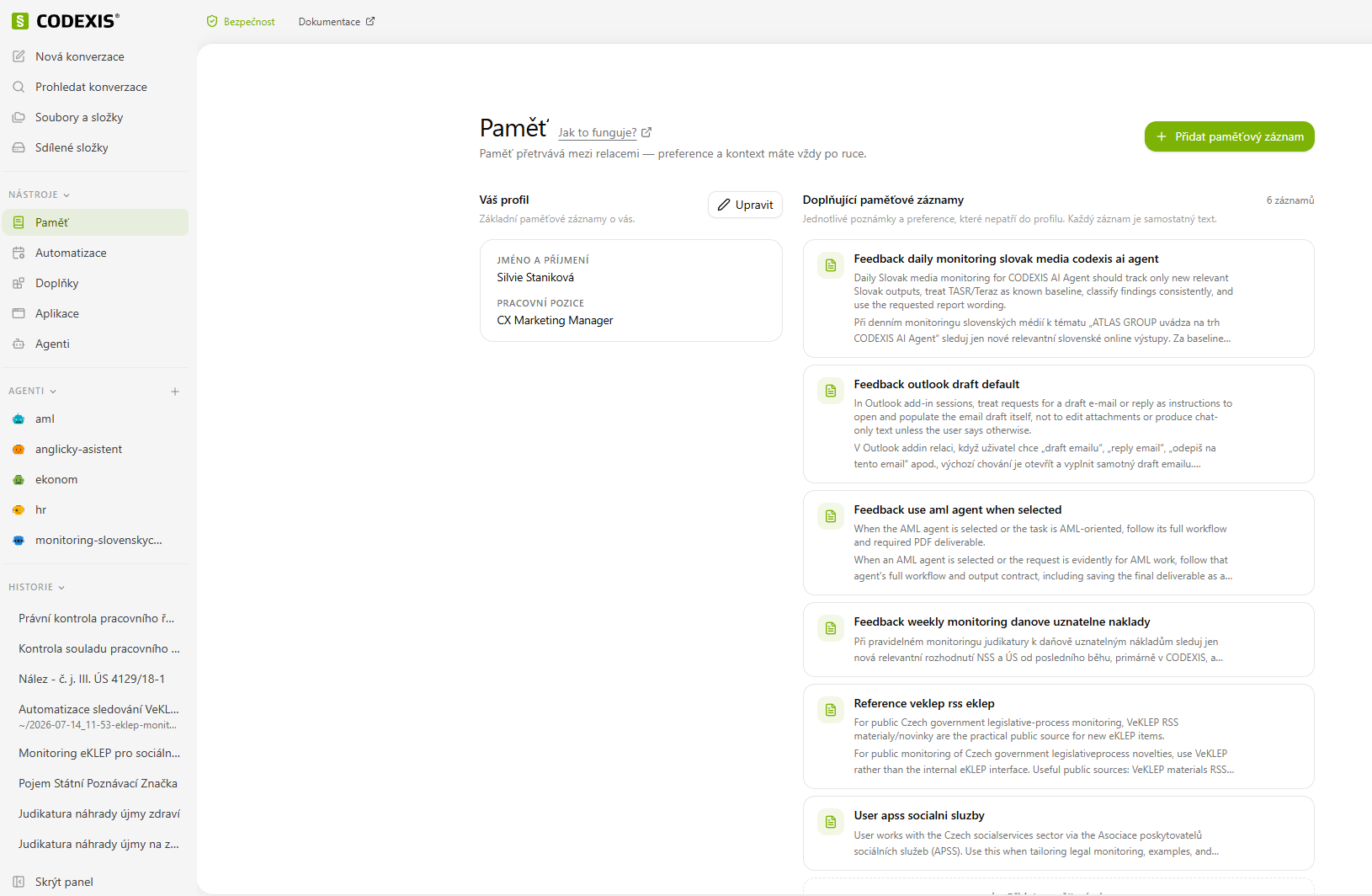
Basic profile
In the upper part you fill in details that give the AI context about you:
- First and last name — who works with the application
- Company — your firm or team
- Job position — e.g. "CX Marketing Manager"
- Responsibilities — what CODEXIS AI should know about your agenda
- Field — e.g. law, finance, business
- What CODEXIS AI should know — a description of your environment, your usual agenda and the types of documents you work with
The more precisely you fill in the fields, the more accurate and relevant the answers you will receive.
Adding a custom memory entry
In addition to your profile, you can save individual notes for the AI to remember:
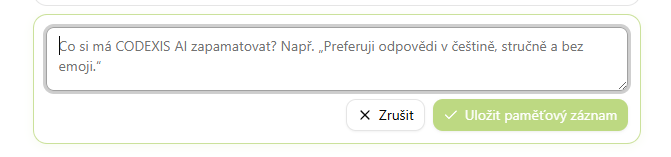
- Click the + Add memory entry button (top right).
- In the Memory entry content field, write the information in the style of "Remember that…".
- Click Save memory entry.
CODEXIS AI creates the entry's name automatically, so you don't have to come up with one. If you change your mind, click Cancel.
SharePoint
Connect a SharePoint site to CODEXIS AI Agent and work with documents across connected projects and teams.
8. Automation
Automation lets you schedule CODEXIS AI to perform a given task regularly on its own, for example, to check the documents in a folder every morning and alert you to any problems.