

Followed documents
Followed documents tracks changes to legislation by CODEXIS ID and the legislation referenced by documents in your project folders.
Followed documents watches the legislation you care about. You can follow specific acts, for example the Labour Code, or a folder of documents in a project: the app extracts references to laws from the documents and alerts you when any of them changes. This page shows how to set up following and where you see the changes.
Open the app from the left-hand menu via Apps and the Document Tracker card. In the What we watch panel on the left you switch between Acts and Projects.
Following acts
You add an act to follow in the chat. Just write in plain language what to watch, for example:
"Follow changes to the Civil Code" • "Follow the Labour Code" • "Follow amendments to the VAT Act"
The act then appears under Acts on the Documents tab. For each one you see the number and title of the act, the date you started following it and area labels you can filter by (for example Pracovní právo, labour law).
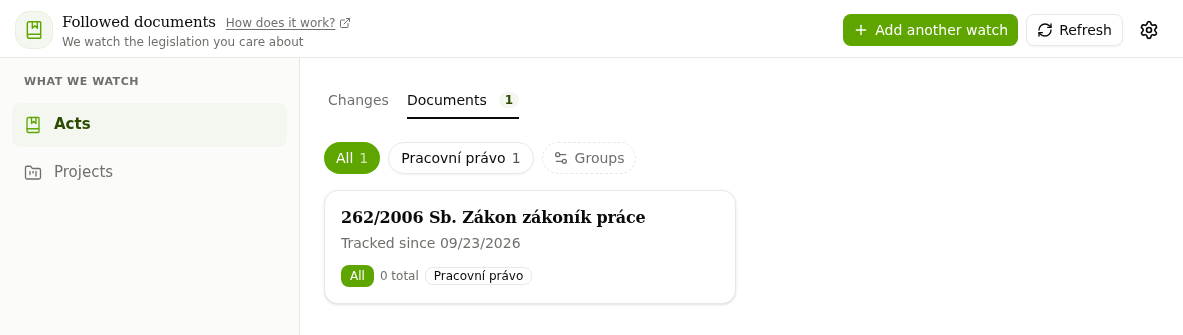
The Changes tab shows what has changed in the acts you follow. Until one of them changes, you see "No changes yet". The Refresh button loads the current state.
Following folders in projects
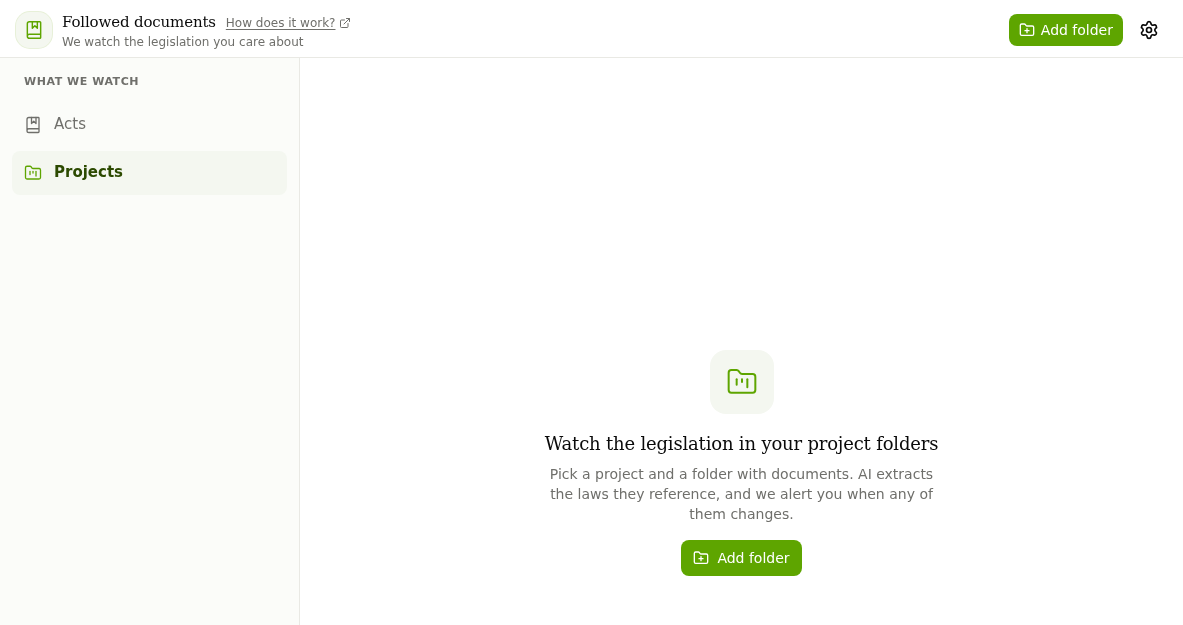
Under Projects you watch the legislation your own documents refer to. Click Add folder.
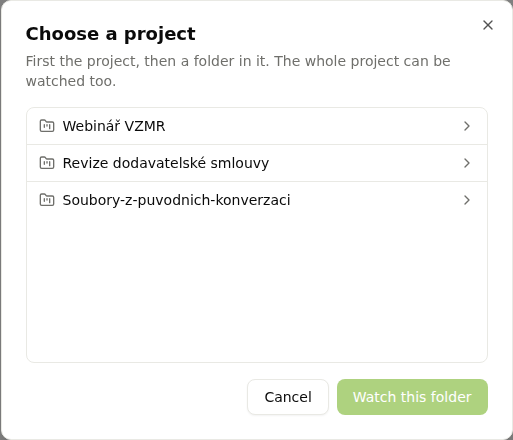
In the Choose a project dialog, pick the project first and then a folder in it. You can also watch the whole project. Confirm with Watch this folder. The app extracts references to laws from the documents in the folder and alerts you when any of them changes.
Change notifications
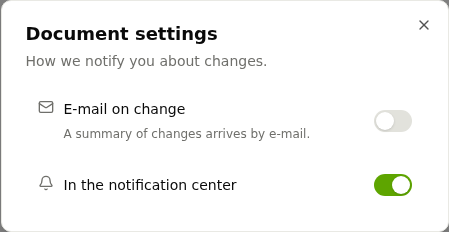
The gear icon in the top-right corner opens Document settings, where you choose how you hear about changes:
- E-mail on change: a summary of changes arrives by e-mail.
- In the notification center: alerts appear directly in CODEXIS AI Agent.
You no longer have to check for amendments to the acts you follow yourself. Case law on selected topics is followed by the Tracked Case Law app.